



Emergency medical
Need help paying a medical bill?
It doesn’t matter how well we plan. A surprise bill or the need for some extra cash is never far away.
- Emergency dental
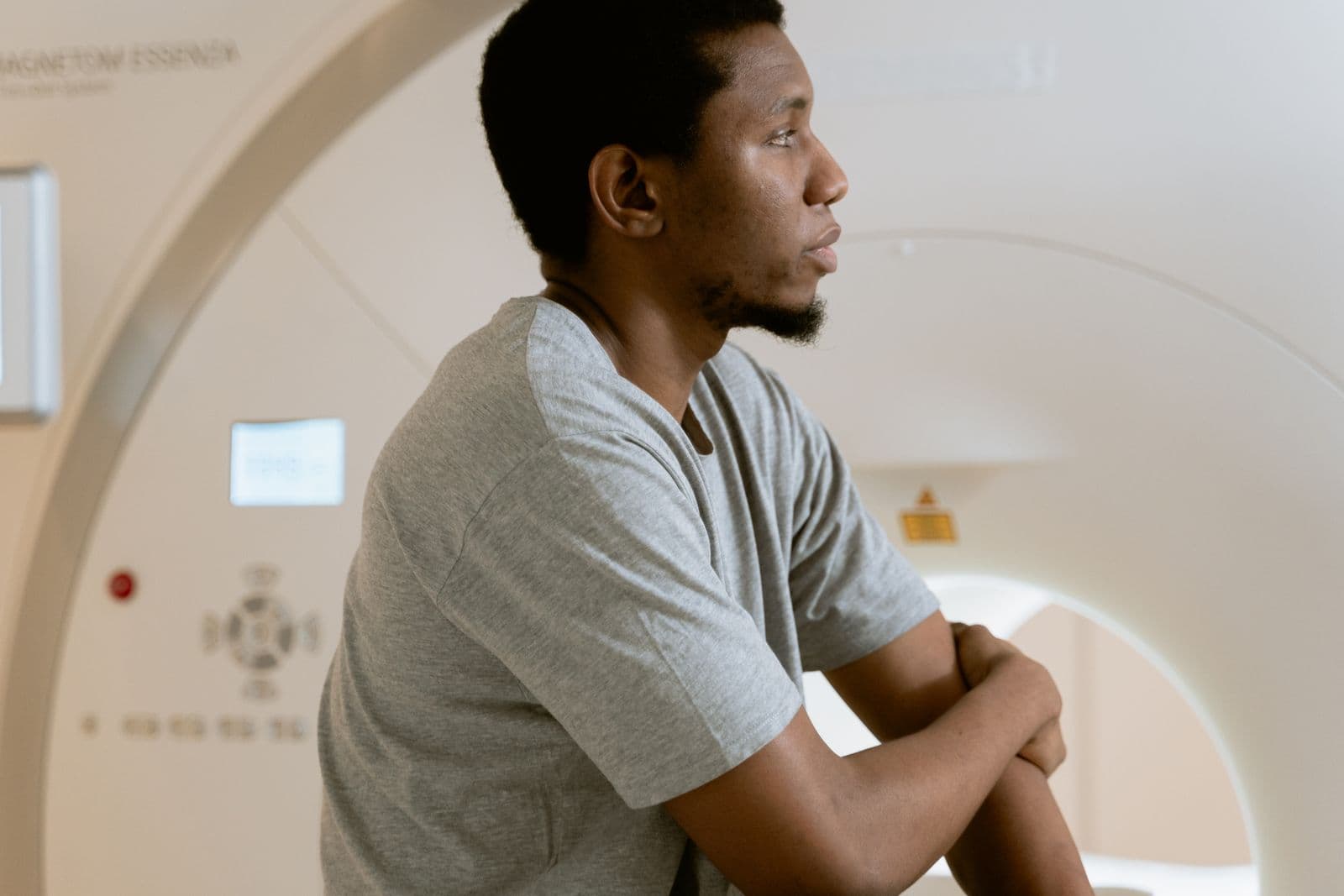
- MRI or scan
- Procedure or script
Can I cover it?
ExampleEnter what you’ve earned so far
- You withdraw
- $500
- Fee (1.99%)
- $9.95
- From your next pay
- $509.95
Covered in full, instantly
Example only. You can withdraw up to 50% of the pay you’ve earned so far.
How it works
A Tuesday morning, sorted by lunch.
Here’s how CashD fits into the week a medical bill turns up.
A cracked tooth at breakfast.
The dentist can see you today, and they’ll want paying on the day.
Booked inEmergency dentist · 11:00am todayThe quote comes in.
$500 for the consult and treatment. Payday is still three days away.
Quote
Emergency consult$150
Treatment$350
Total$500
You withdraw $500.
It lands in your bank instantly. You pay at the front desk and get on with your day.
$500Sent to your bank · Just nowPayday, as normal.
What you withdrew and the fee come out through payroll. The rest of your pay lands as usual. Nothing to repay, nothing to chase.
Payslip · Fri 16 Oct
CashD withdrawal$509.95
The restPaid as usual
Why CashD
What a $500 medical bill really costs.
Most ways to cover a bill before payday charge a percentage, then interest on top. CashD charges one small fee of 1.99%, and no interest.
You keep $20.82 more
Covering a $500 medical bill with
CashD1.99% fee. No interest.
$9.95
Typical early wage access5% fee plus 24% p.a. interest
$30.77
Payday loan20% establishment fee plus 4% a month
$120
Based on fees published on AU-based early wage access and payday loan providers’ websites, correct as of 10 November 2026.
A review from a CashD user
“Being able to access a portion of my earned wages when unexpected expenses arise has taken some of the financial pressure off when I needed it most.”
It’s your pay, not a loan.
- No interest
- No credit check
- No late fees
- Nothing to default on
Getting started
Access your pay in four steps.
- 01
Check your employer
Find out if your employer is already with CashD.
- 02
We’ll invite them
If they’re not signed up yet, we’ll contact them and keep you updated.
- 03
Set up your account
You’ll get an onboarding email. No credit check, and we never need access to your bank.
- 04
Download the app
See your earned pay in real time and withdraw it when you need it.
FAQs
Questions people ask before they start.
What can I use CashD for?
Anything you want. Remember, all you’re doing is accessing your earned wages before payday, so it’s your cash to do with as you want.
What do people use CashD for?
All sorts of things: paying bills, reducing more expensive debt, holidays, presents, repairs and home improvements, and sometimes just to treat themselves.
How much does using CashD cost me?
There’s a one-off fee of 1.99%, although some employers choose to cover it for their employees. There are no late fees, hidden fees or interest charges. All fees are clearly shown in the app.
How is CashD different from payday loans and early wage access?
CashD isn’t a loan. There are no credit checks, interest charges or late fees, and there’s no risk of default. You’re simply accessing wages you’ve already earned before payday.
What is earned wage access?
Earned wage access lets employees access a portion of their earned wages on demand, instead of waiting until payday.
How does CashD protect my financial data?
All employer and employee data is encrypted at rest and in transit, and hosted securely on AWS servers in Australia. CashD also undergoes certified penetration testing and complies with AUSTRAC and Australian financial regulations.
How long does it take to get funds transferred?
Transfers are usually instant via PayID/Osko. However, depending on your financial institution, standard bank processing can take up to 2 business days.
How does CashD determine my eligibility?
There’s no complex eligibility assessment. If your employer uses CashD and you’re earning wages, you’re generally eligible to use the service.
Can I use CashD if I receive government benefits or Centrelink?
To use CashD, you need employment income. Centrelink payments alone don’t qualify.
How do I get started with CashD?
If you haven’t received an invitation from your employer, check whether your employer is registered with CashD.
How much money can I withdraw?
You can withdraw up to 50% of your earned wages, unless your employer has set a different limit.
Will this affect my credit score?
No. CashD doesn’t run credit checks, review bank statements or affect your credit history. It isn’t a loan, so there’s no interest, no debt risk and no repayments.
Check my employer
See if your employer is with CashD.
Tell us where you work. If your employer isn’t signed up yet, we’ll contact them for you and keep you updated.
- No credit check
- We never need access to your bank
- Up to 50% of your earned pay, instantly
- One small fee of 1.99% per withdrawal